Private local recording
Your screen, camera and microphone recording stays on your device by default.
No watermark. Save locally. Private by default.
 FAKT Video Recorder
This browser cannot capture tabs or screens. Webcam Only is selected so you can record with camera and microphone.
Start free, keep recordings on your device, and download when you finish.
Your screen, camera and microphone recording stays on your device by default.
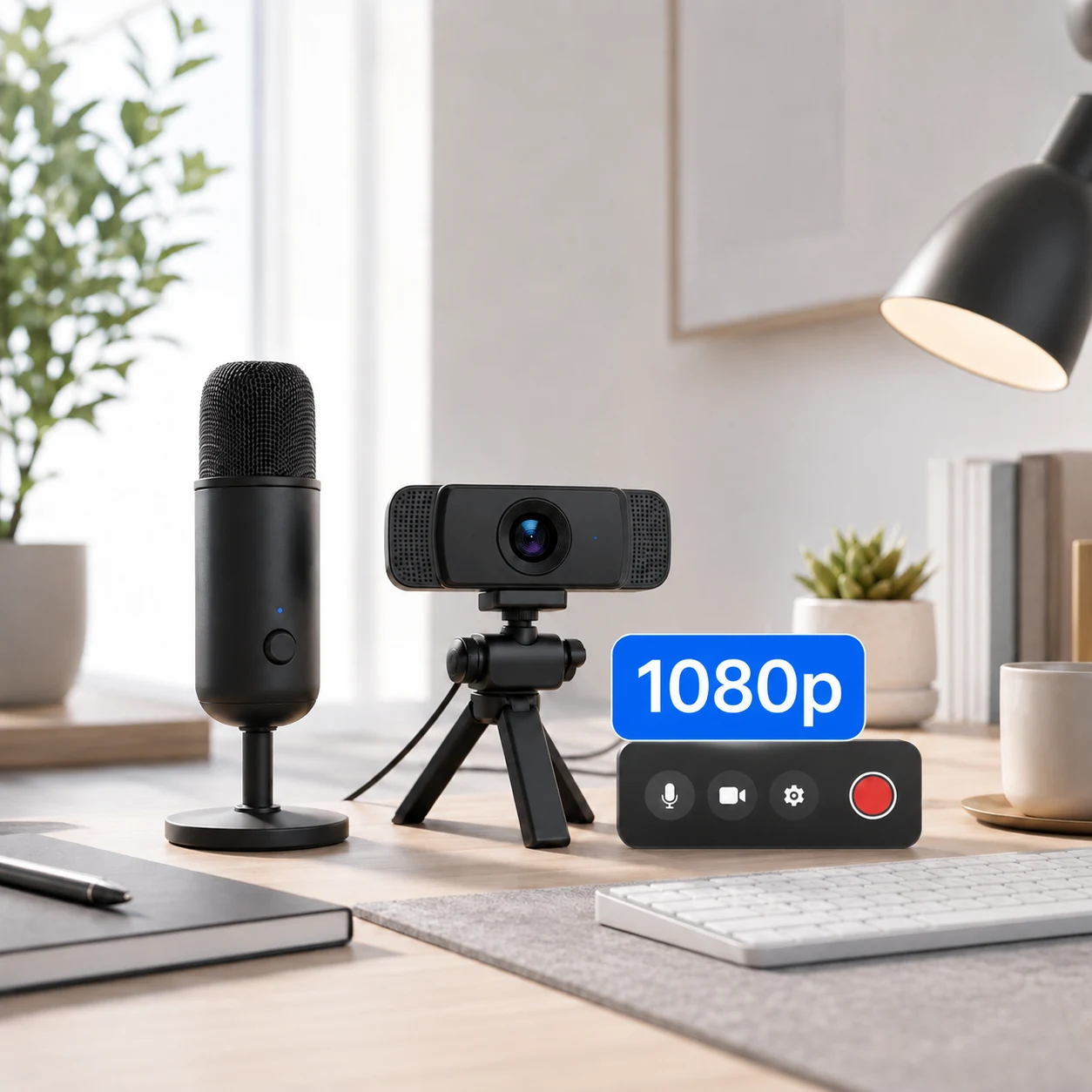
Record up to 720p with no watermark. Starter unlocks 1080p for $1/month. Actual capture resolution depends on your source and browser.
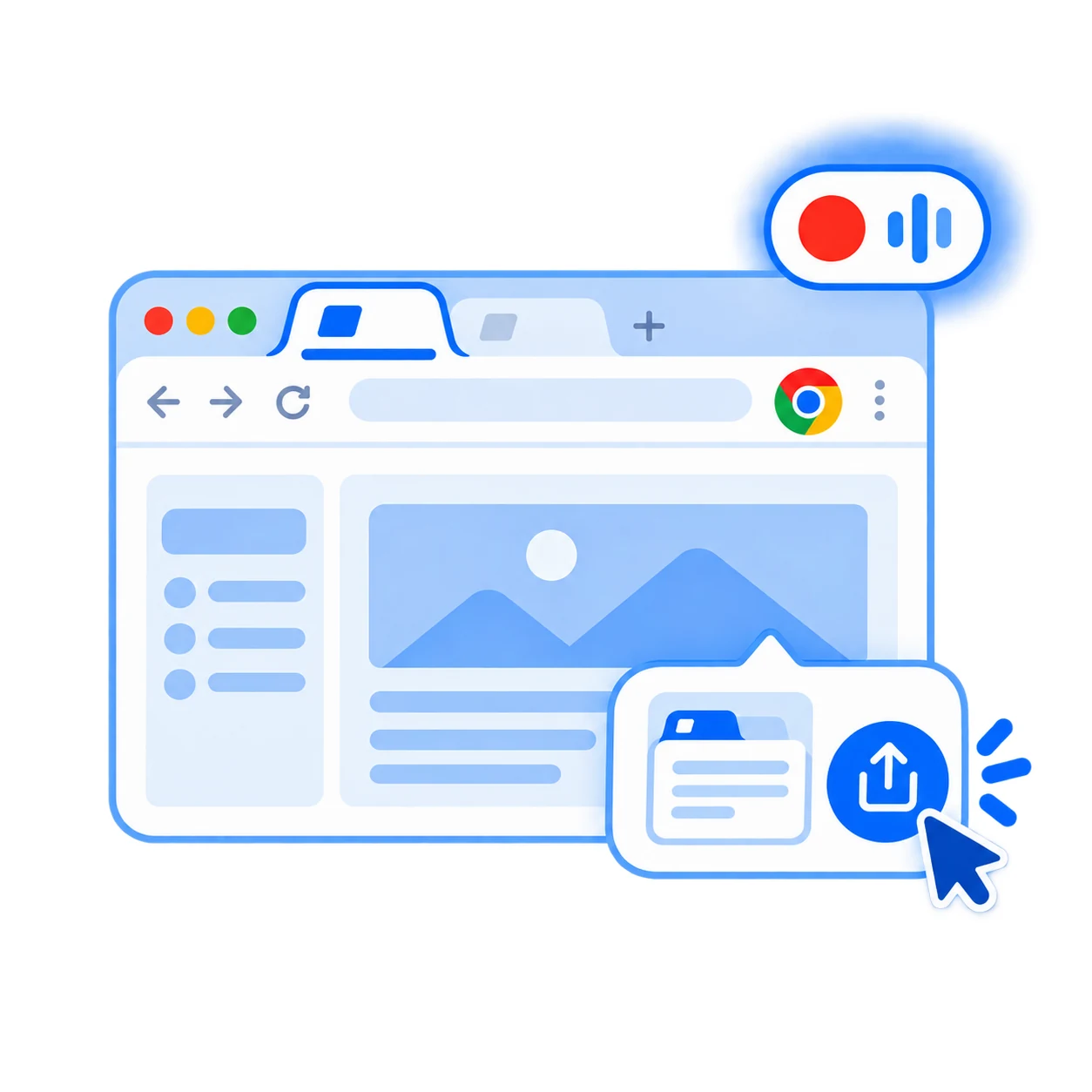
Preview, rename and save recordings to your computer when you are done.
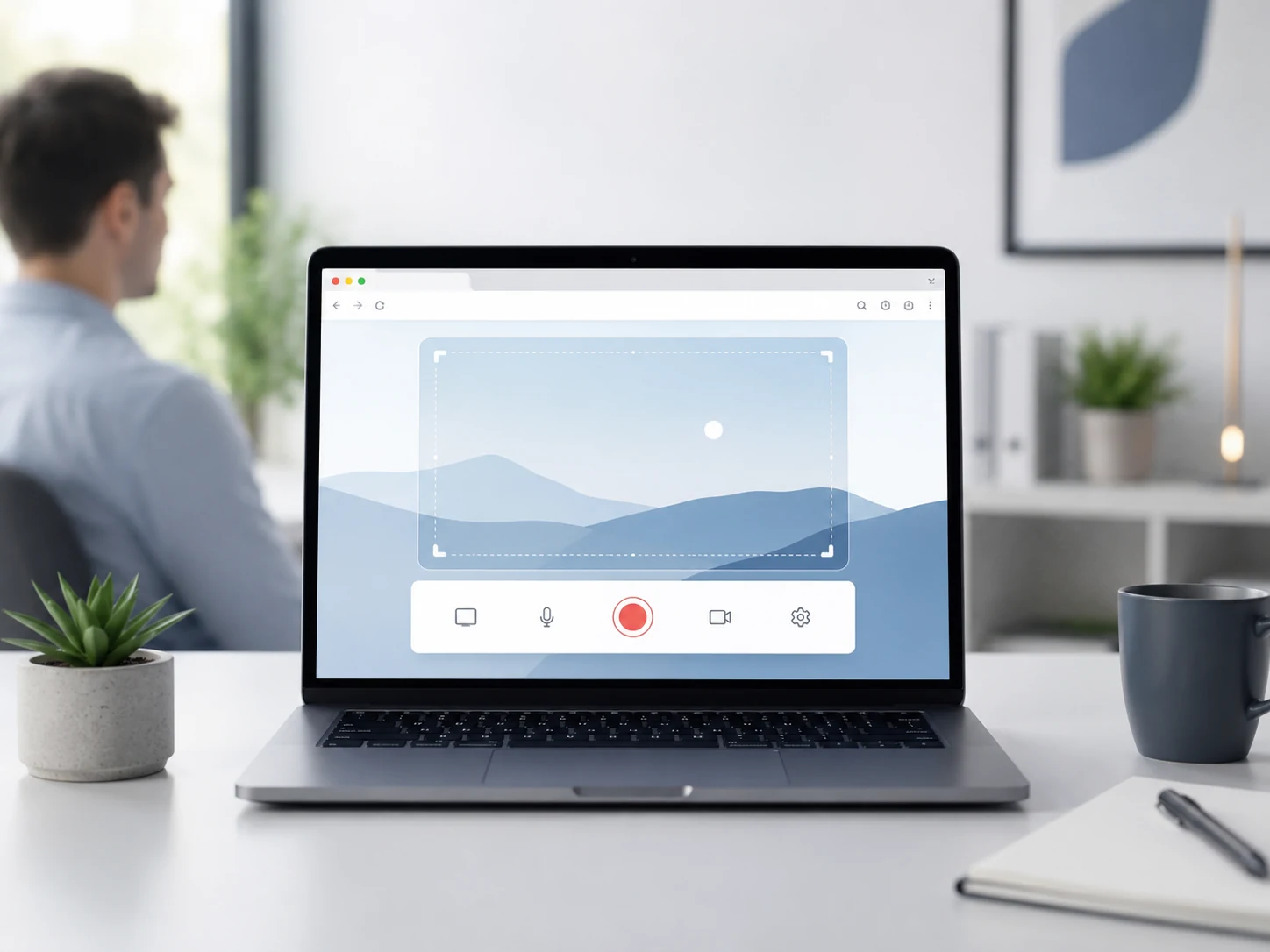
No software installation. Open FAKT in a supported browser and start recording.
Three simple steps from screen to saved video.
Select This Tab, Full Screen, or Webcam Only.
Choose your microphone, camera and quality, then start recording.
Stop, preview and download your recording locally.
Recordings stay on your device and are not uploaded by default. You stay in control.
Free covers everyday 720p recording. Starter unlocks 1080p for $1/month. Pro unlocks higher-resolution and advanced local tools.
Used the recorder? Send a short review or tell us what feature you want next. We publish real reviews only.
Choose a mode, record, and save locally in minutes.
Click Start Recording. Chrome will ask which tab, window, or screen to share.
Technical status will appear here while recording.
Microphone On
Recordings stored locally in this browser.
Your finished recordings will appear here. Search, sort, and save them to your computer anytime.
Select a microphone, then start a short local test.
Checking available browser storage…
For best results use the latest desktop Chrome or Microsoft Edge over HTTPS.
This list reflects what this browser currently provides. Permission is requested only after you choose to enable a device or start recording.