Record. Review. Save.
All in your browser.
Choose what you want to capture, select your microphone, camera and quality, then record. FAKT keeps the normal recording workflow local so you stay in control from start to finish.

Seven clear steps. No complicated setup.
The controls remain familiar from the moment you choose a source to the moment the file lands on your computer.
Choose what to record
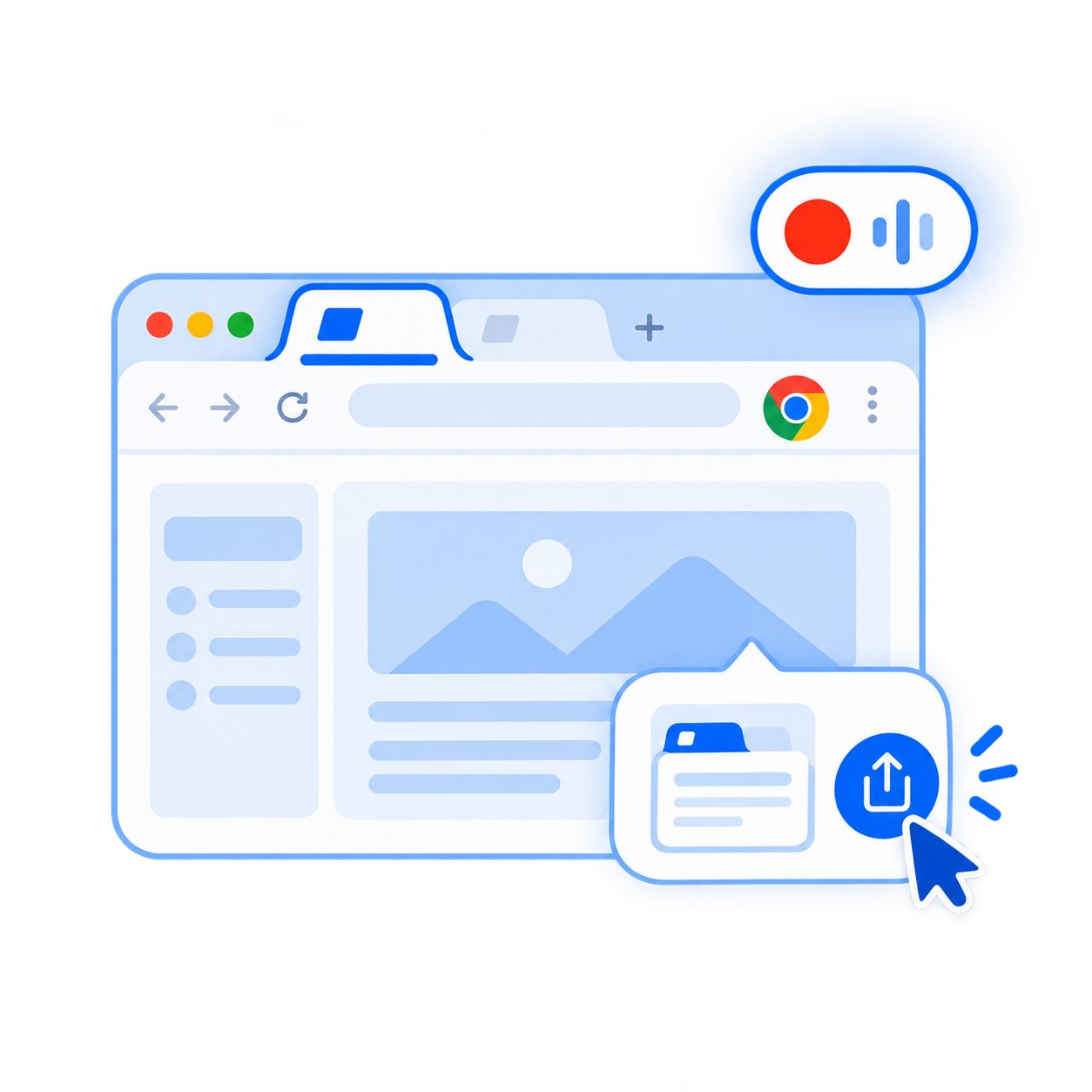
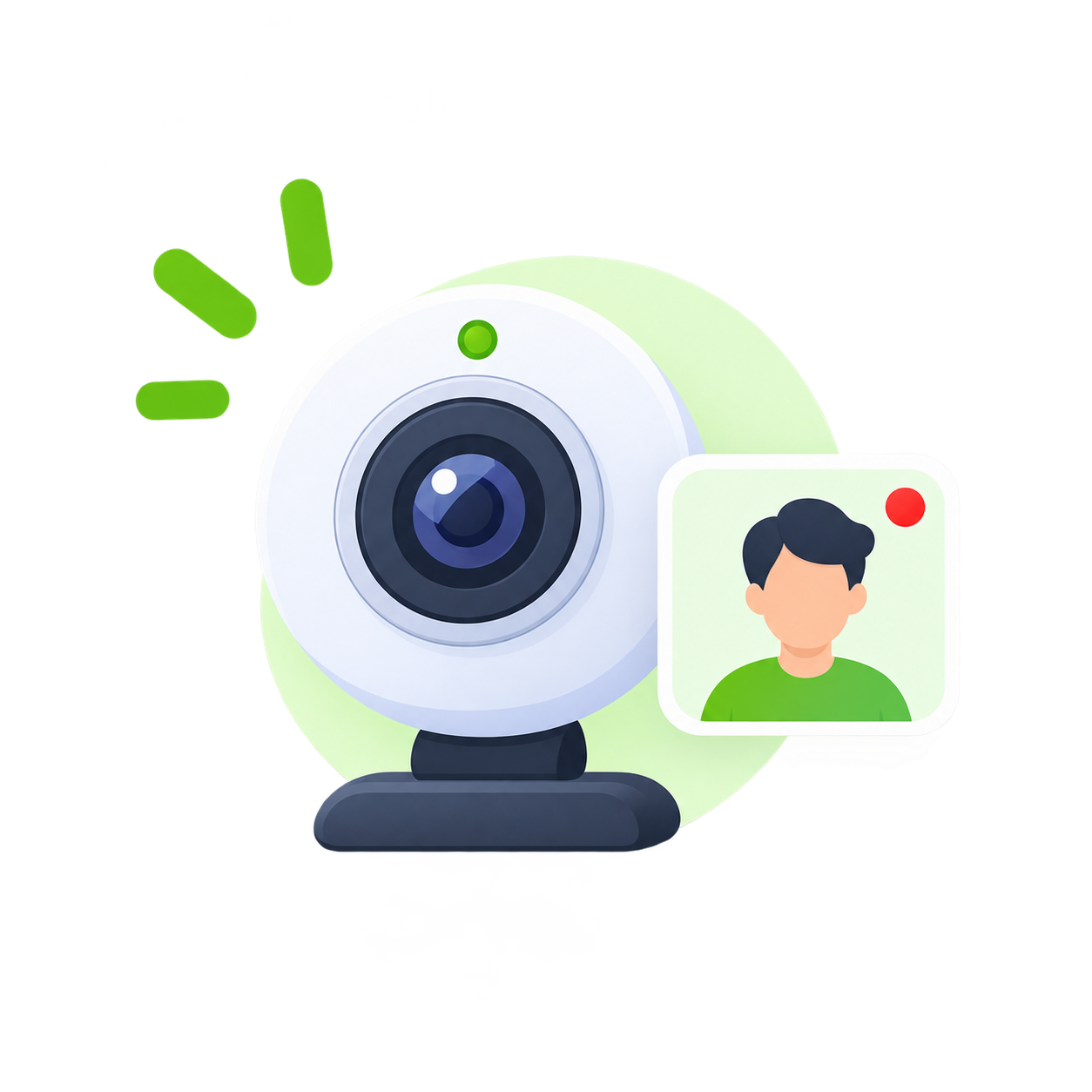
This Tab for a selected browser tab, Full Screen for a screen/window/tab, or Web Camera for camera and microphone only.
Select your devices and quality
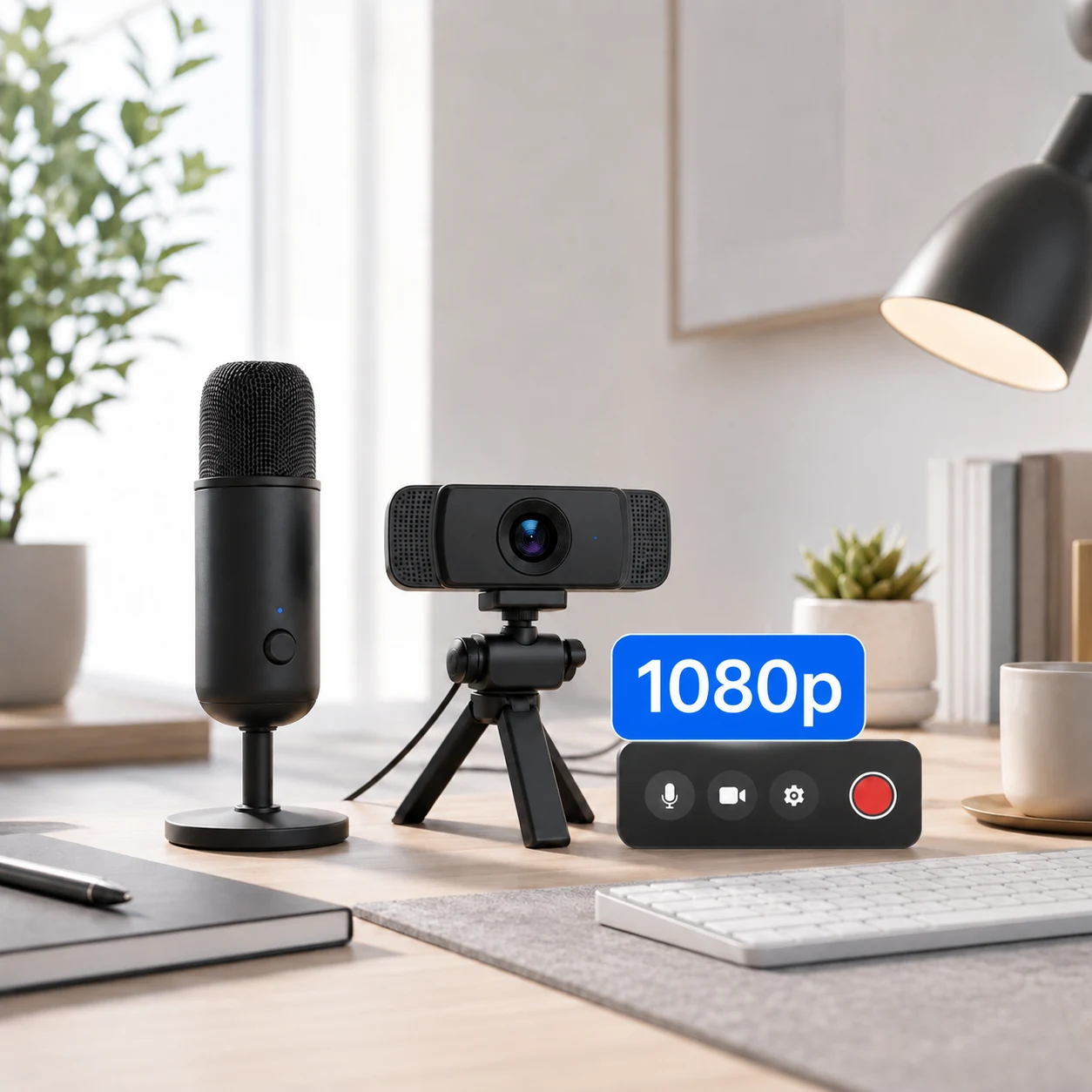
Choose the microphone and camera you want, switch system or tab audio on where supported, and select 720p (free) or 1080p (Starter, $1/month).
Press Start Recording
For screen or tab capture, Chrome opens its secure source picker. Select exactly the screen, window or tab you want to share.
Record at your pace
Use the countdown, timer, pause and resume controls. Webcam overlay and audio choices stay tied to the settings you selected before recording.
Stop and preview
Review the completed recording locally in your browser before deciding what to do next.
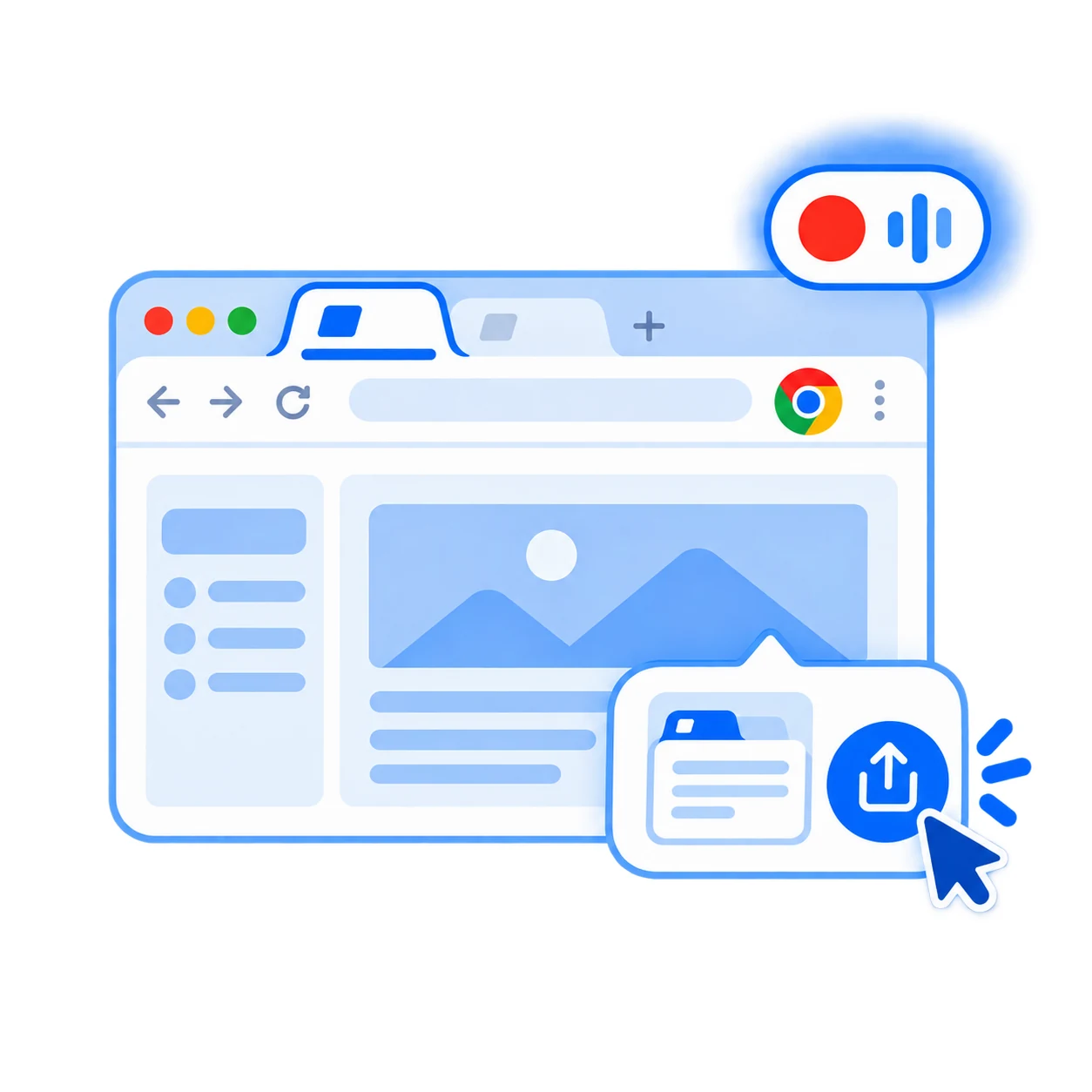
Save to your computer
Rename the recording if needed, then download it to your device. Normal recordings are not sent to FAKT as a video upload.
Pro: edit or export locally
When available in your Pro workflow, use local trim/cut tools, separate tracks and supported export formats without turning the normal recorder into a cloud-upload workflow.
Your normal recording stays on your device.
Screen, camera and microphone content is handled in the browser during the normal recorder workflow. You decide when to save or delete it.
Need a more specific walkthrough?
Record a Chrome tab with audio
See exactly where Share audio fits into the Chrome tab recording flow.
Record in 1080p
Understand the quality selector, what Starter unlocks, and why the source resolution still matters.
What is included free?
See the core recording features available without creating an account.
Ready to make your first recording?
Choose a source, check your audio and press record.