1080p recording.
Starting at $1/month.
Select 1080p with FAKT Video Recorder Starter and capture a tab, screen or webcam without a watermark. FAKT requests Full HD when your source and browser can provide it.
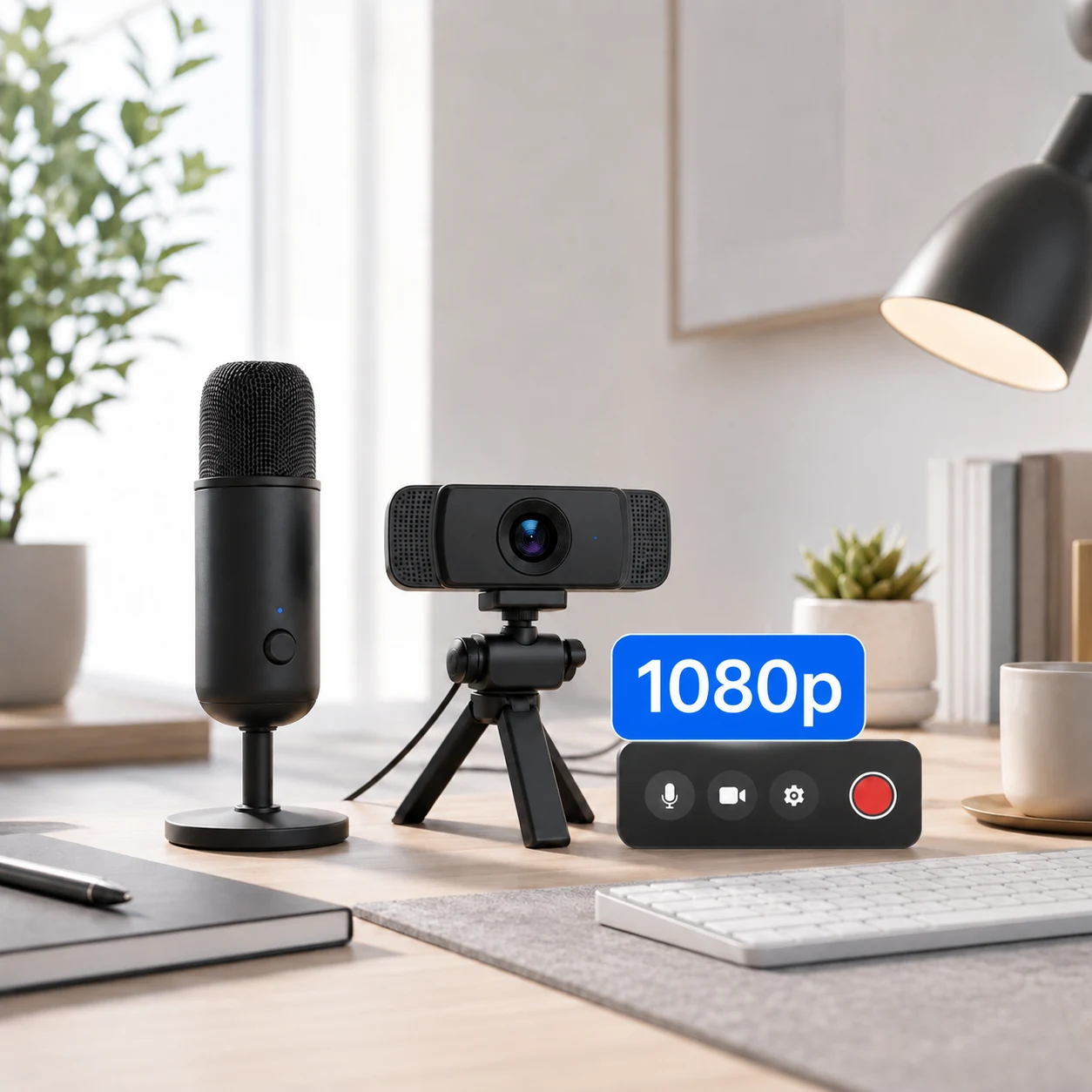
Pick the resolution that fits the job.
Higher requested resolution can preserve more detail, while lower resolution can help reduce local file size for long sessions.
A practical option for longer sessions and smaller local files.
Full HD requested capture with no FAKT watermark.
Higher requested capture quality for more detailed sources.
Maximum supported requested quality when the source can actually provide it.
1080p starts with a 1080p-capable source.
Choose 1080p first
Select 1080p in the Quality control before you press Start Recording. Starter unlocks 1080p for $1/month.
Use a detailed source
A low-resolution tab, camera or display cannot become true Full HD simply because 1080p was selected.
Preview the result
Stop, preview locally and confirm the recording looks right before saving it to your computer.
Full HD without covering your content.
FAKT never places a watermark over your recording, on any plan. 1080p requires Starter ($1/month); your normal recording also remains local by default.
Choose 1080p and start recording.
Record free up to 720p, or unlock 1080p with Starter for $1/month.