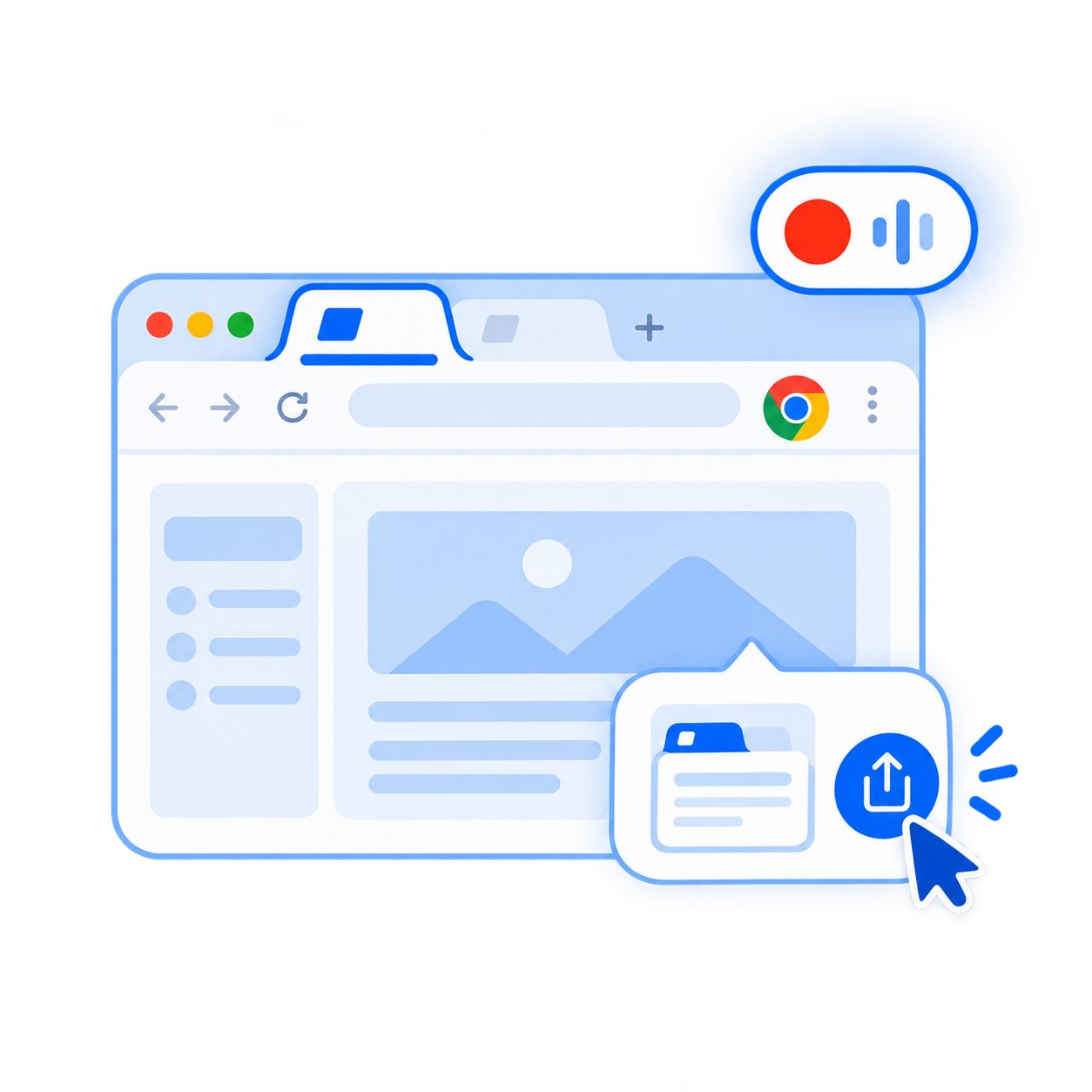
This Tab
Record a selected browser tab using Chrome's source picker.
Record a browser tab, full screen or webcam in up to 720p for free. No watermark, no installation, and your normal recordings stay on your device.
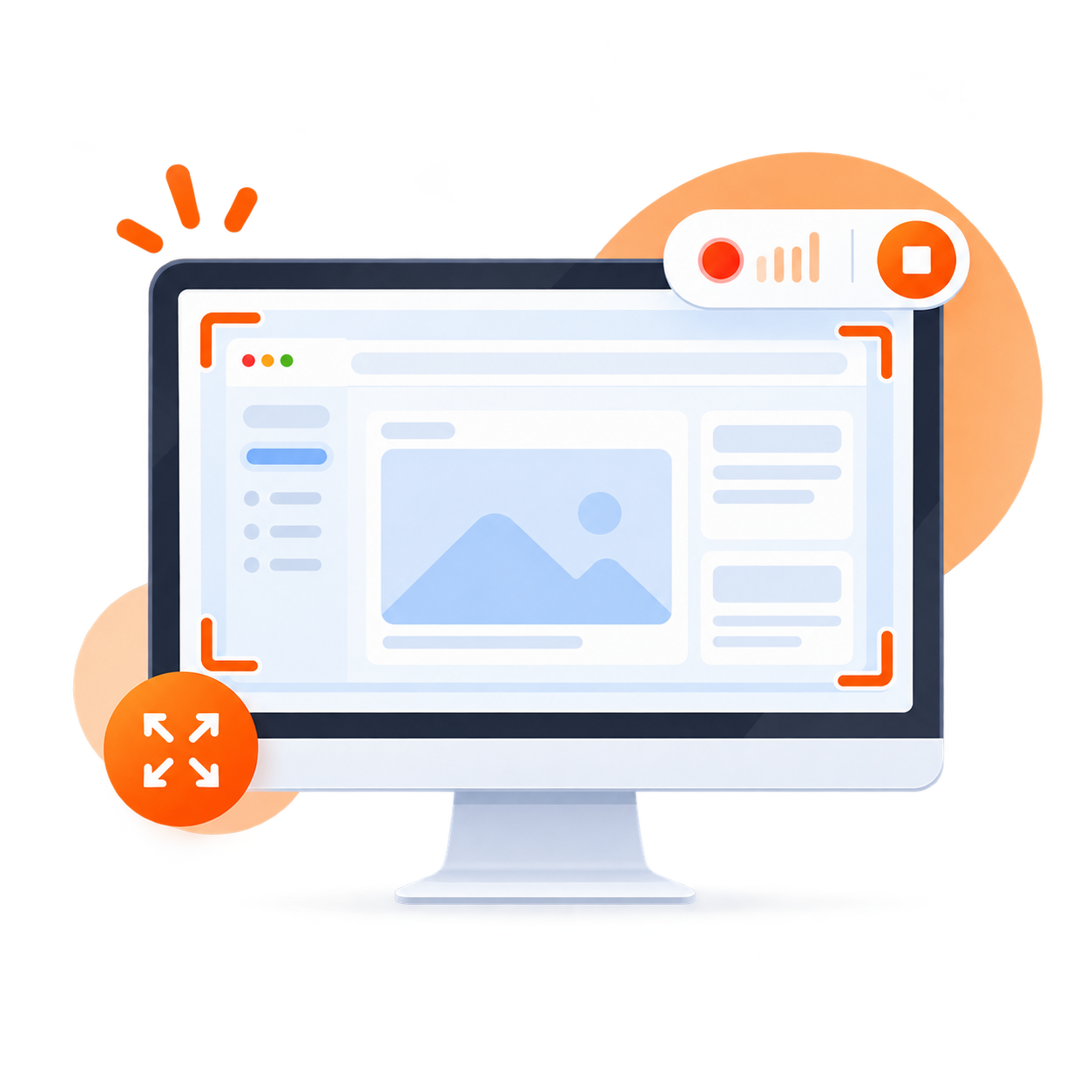
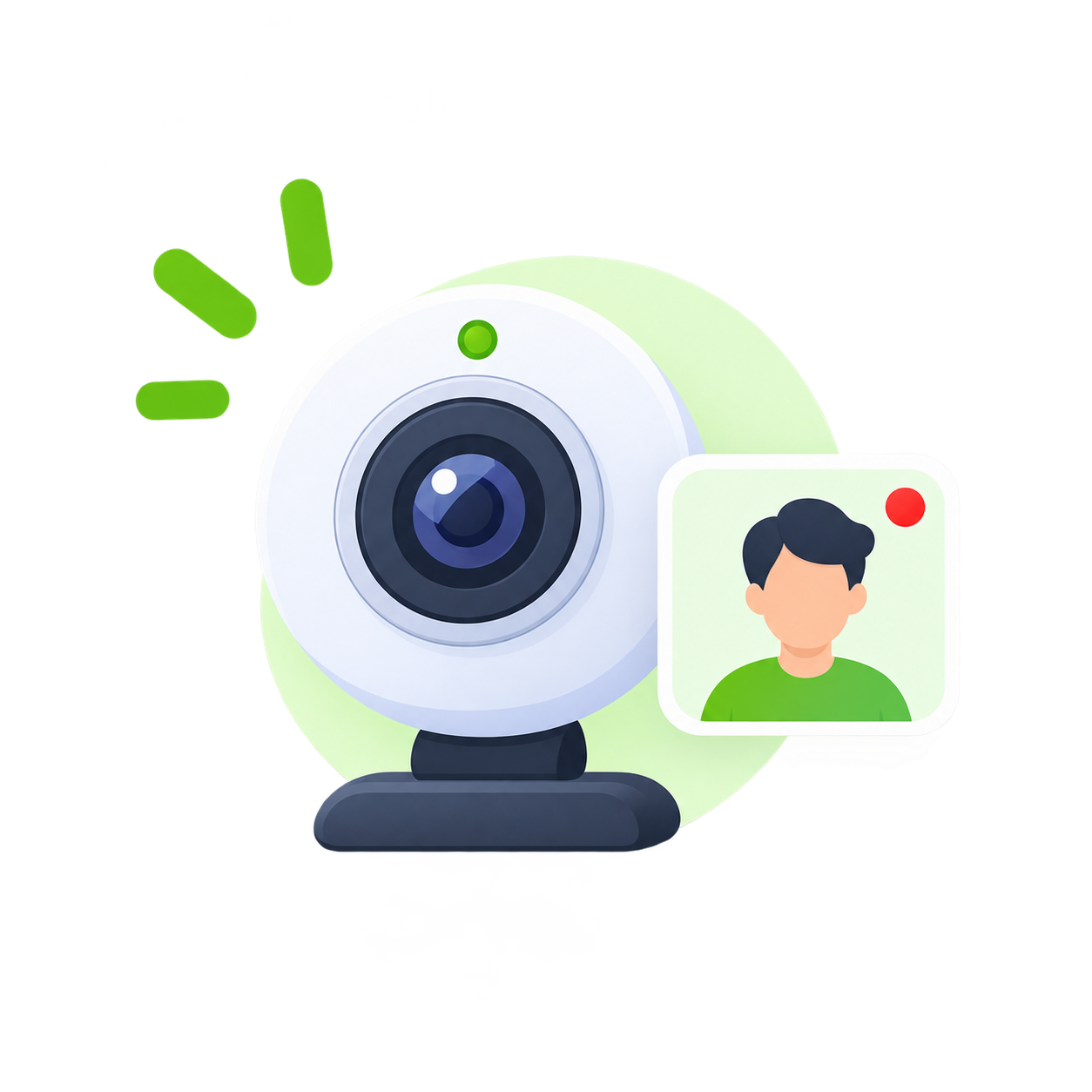
Pick what you want to record, choose your audio and quality, then press record.
Record a selected browser tab using Chrome's source picker.
Capture a screen, window or tab with optional microphone, system audio and webcam overlay.
Record camera and microphone without opening a screen-sharing window.
The controls you need are close at hand, without turning recording into a complicated production tool.
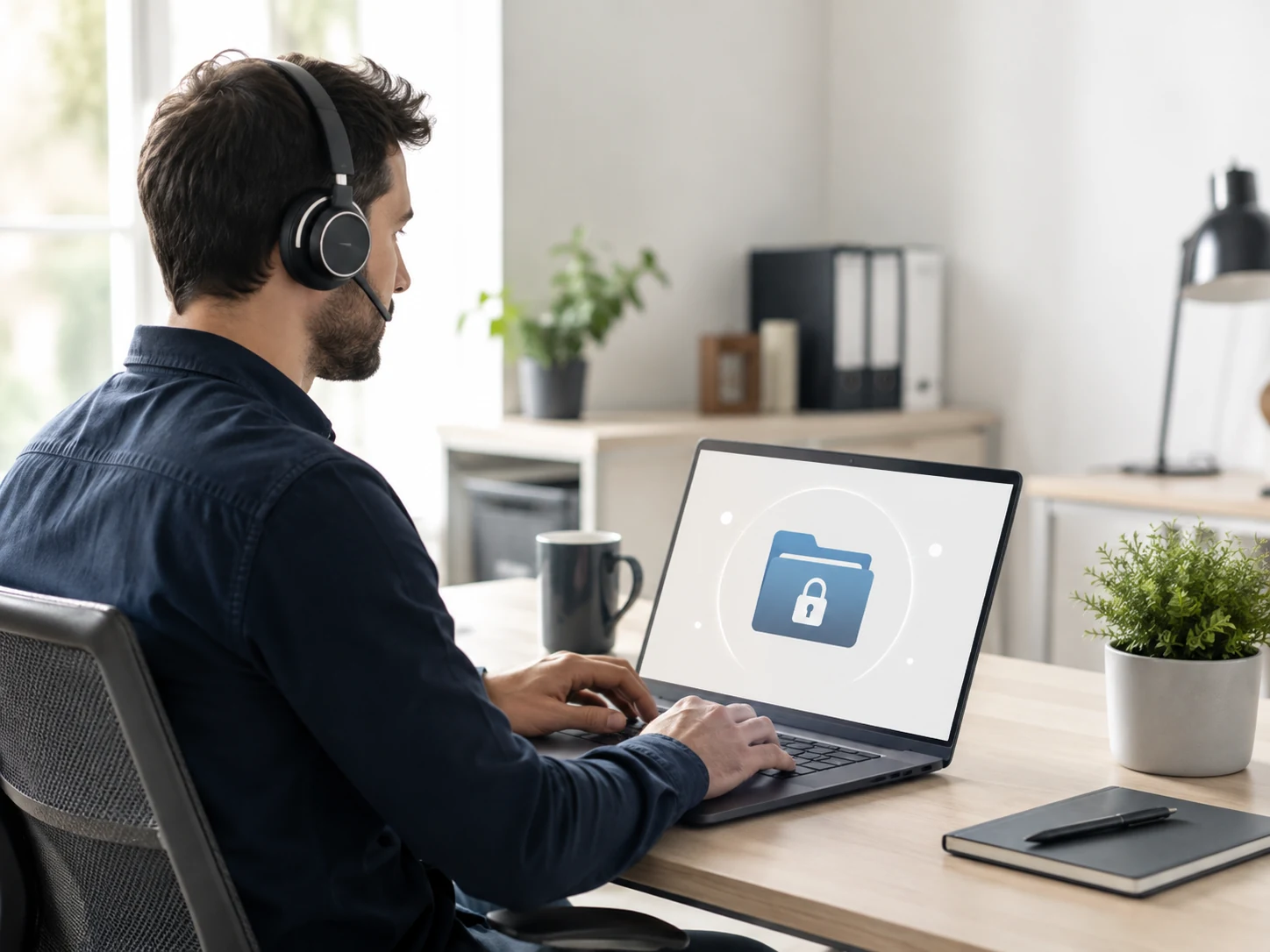
Normal screen, camera and microphone recordings stay in your browser and on your device until you choose to save or delete them.
720p is included at no charge. 1080p Full HD is available with Starter for $1/month. Capture size still depends on your source, display and browser.
Select your microphone and camera, add system or tab audio where supported, and use an optional webcam overlay.
Countdown, pause, resume and a clear recording timer keep sessions easy to manage.
Keep control of recordings in the browser and save the final file to your computer when you're ready.
Chunked browser storage supports long sessions subject to available storage and browser/device limits. There is no artificial 60-minute cutoff.
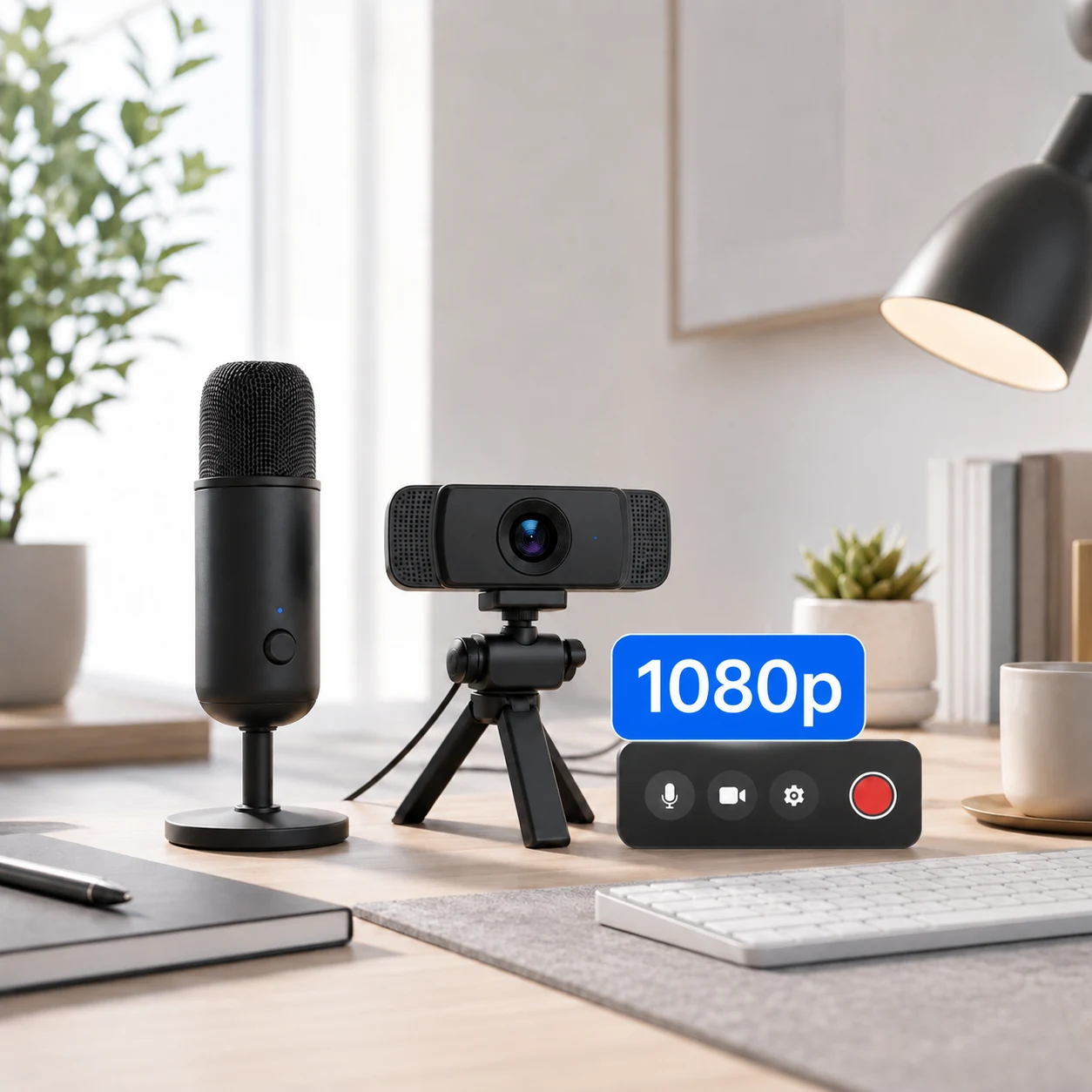
720p is included in the Free plan. Starter unlocks 1080p for $1/month. Pro unlocks higher requested capture resolutions for workflows that need more detail.
Pro extends the recorder with higher resolutions, track options, flexible exports and editing tools.
Screen, webcam, microphone and system/tab audio as separate tracks, plus a combined recording.
Download video, audio only, individual tracks or Download All.
Export MP4, WAV, MP3 and editing-friendly files.
Request Standard, High or Maximum encoding bitrate. Browsers treat bitrate as a hint.
Trim the beginning or ending, cut a section, undo, reset and export the edited result locally.
Recording markers, advanced webcam sizing and shapes, audio level meters and microphone testing.
No installation. No watermark on any plan. No unnecessary setup.